FetchPing
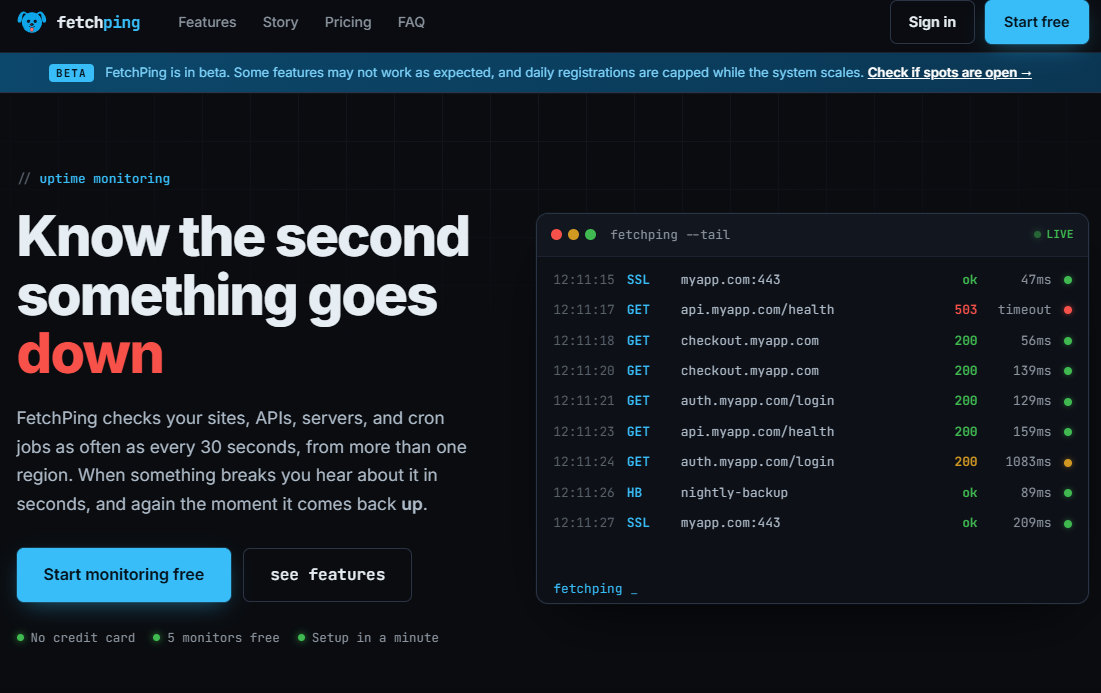
Uptime monitoring for websites, APIs, and cron job
About
I kept missing outages on my own projects. A side project would go down at 3am and I would not find out until someone emailed me the next morning. The tools I looked at were either priced for companies with real revenue, or so heavy that setting one up felt like a second job.
So I wrote something small. A script that pinged my sites every few minutes and messaged me on Discord when one stopped answering. It was rough, but it worked, and the awkward "hey, your site is down" emails stopped coming.
Over time I kept adding to it. More monitor types, real alerting, status pages, and more.
Features
- Monitors websites, APIs, servers, and cron jobs
- Get instant alerts via email, Discord, Teams, or webhooks
- Includes public status pages, SSL/domain expiry monitoring, and more
What makes it different
Simply implemenation, nothing required on the server end, just a URL or IP and FetchPing will take care of the rest without overloading you with options and requirements.
How it works
After registration you can add a monitor in under 60 seconds, add any website or service to ping and FetchPing will get to work. Add other ways to notify you, like Discord, and be notified in a downtime quickly and from multiple locations.
FAQ
What is FetchPing?
Uptime monitoring for websites, servers, APIs, and cron jobs
Who is FetchPing for?
FetchPing is designed for founders, makers, and teams looking for solutions in Developer Tools. FetchPing monitors websites, APIs, servers, and cron jobs with checks as fast as every 30 seconds from multiple regions. Get instant alerts via email and more.
How often are monitors checked?
Free plan monitors check every 5 minutes. Pro plan monitors can check as frequently as every 30 seconds. You set the interval per monitor when creating or editing it.
How do I monitor a server instead of a website?
A server agent is a small script you install directly on your own server. Unlike a regular monitor, which checks your service from the outside, an agent reports from the inside: CPU usage, memory, disk space, load average, and whether specific processes are still running. It tells you why something broke, not just that it did.
Founder